




Bring one workflowyour AI tool cannot finish.Complete one supported action.
Bring one workflow your AI tool cannot finish. Find a supported action, connect the account it needs, and review what ran.
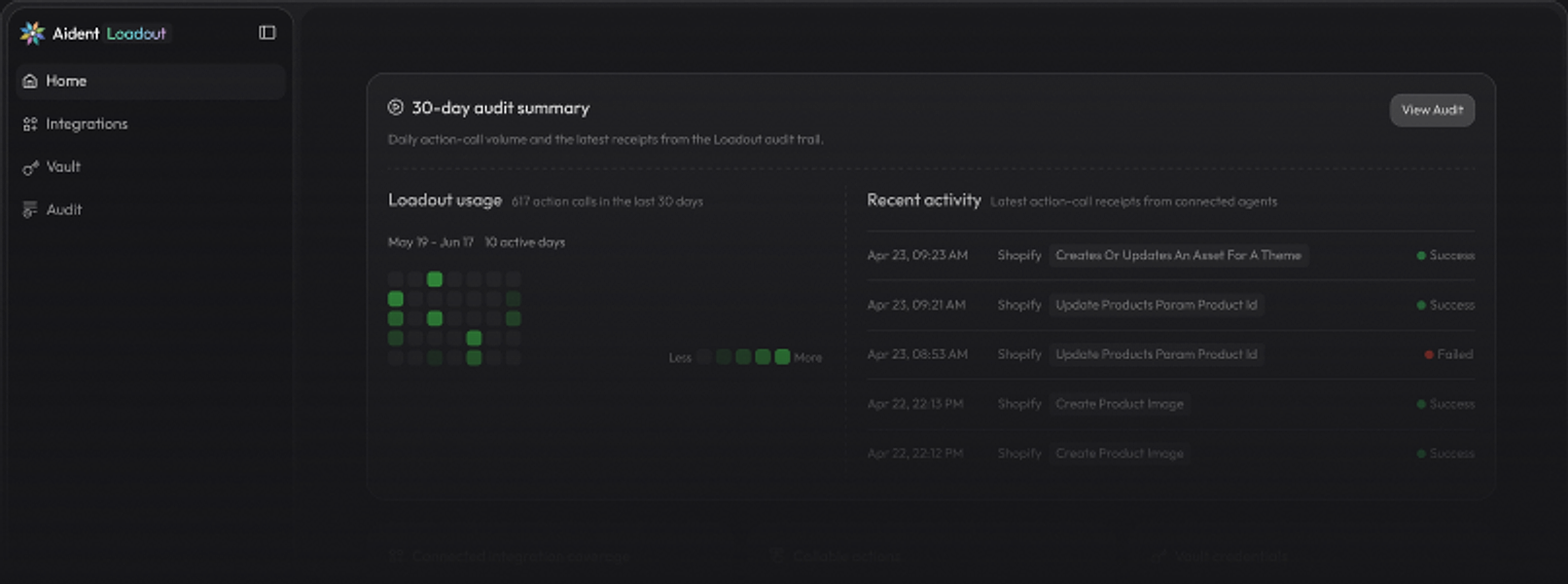
From Blocked Workflow to Completed Action.
Find the Action for This Job.
Search the supported catalog for the app and action your workflow needs.








Use It from Your AI Tool.
After setup, call available Loadout Actions from supported agent hosts and interfaces.

Firecrawl
Built-in Built-in
Gladia
Built-in
Fal
Built-in
Exa
Built-in
Hacker News
Built-in
Use Managed Access Where Eligible.
Use Aident credits for eligible Aident-managed services when available. Most connected apps use your OAuth account or credential.


Connect through Vault. Review in Audit.
Vault stores the connection used for an action, and Loadout records action history you can review.
Set Up Loadout.
Connect One Account.
Complete a Real Action.
Set up Loadout, connect the account your workflow needs, then complete and verify a supported action.
Try Now
Install
Paste the prompt into a supported coding agent

Follow https://aident.ai/SETUP.md


Set up Loadout
Copy the setup prompt into a supported AI tool and verify Loadout is ready.



Connect one account
Authorize the app or service needed for the workflow through Vault.

Sent through Aident Loadout Gmail.

The summary covered the last 24 hours and included merged PRs #1234 #1235 #1236

Complete and verify one action
Run a supported action from your AI tool, then review the result and its Loadout history.
What will your agent do today?
Choose a blocked workflow, connect the account it needs, and complete one supported action.
Try NowIssue Tracking
Connect your board and tell Claude Code
Database
Connect your database and tell Codex

Niche & Long-tail Apps
Connect the specific tools your team relies on and automate workflows that standard out-of-the-box agents can't reach.
Complete the Workflow Your AI Tool Cannot.
Set up Loadout, connect the account it needs, and run one supported action.
Run Your First Action